


SQUEEZE
Exactly what your sound needs.
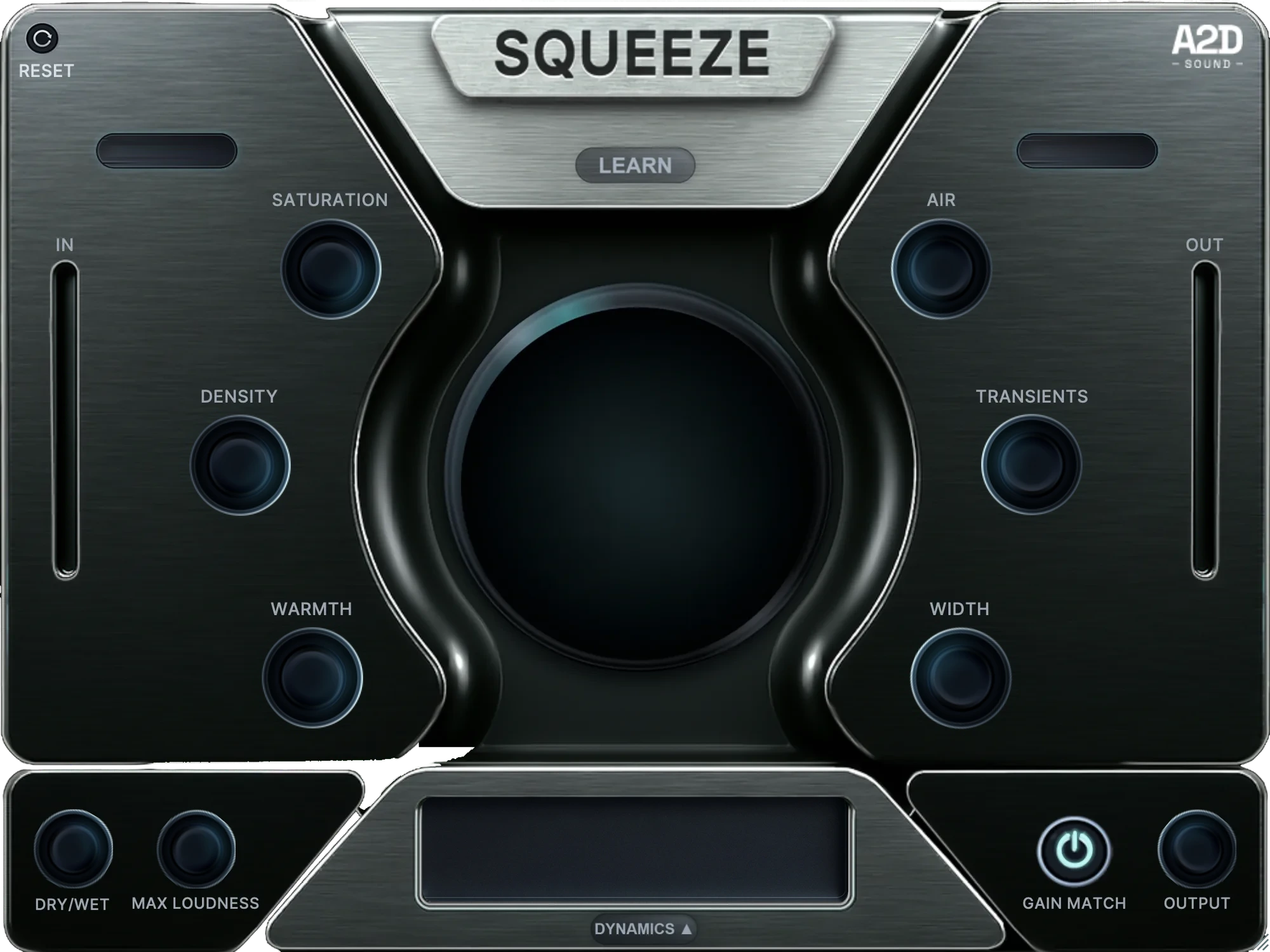
One unified processing engine replaces the whole chain: saturation, compression, EQ, clipping, limiting. Analyzing your source and building around it in a single, phase-coherent pass.
VST3, AU & AAX · Windows & macOS · 3 activations
Twelve sources, peak-matched,
with Squeeze as the only plugin in the chain.
Hit A/B and hear what it does to a track.
Each waveform has its Before and After measurements underneath.
Hear Squeeze on your own sample.
Drop your sample here
WAV, AIFF or MP3 · you'll pick 10 seconds of it
Want it on your whole track? The free trial is the full plugin for 7 days.
Five jobs. One reading.
Saturation, dynamics, tone, transients and ceiling control, all configured from a single measurement of your source.
No AI, no fancy tricks; it runs on an algorithm we wrote to work out what your sound needs.
Tell it what it's hearing.
Twenty-seven source types set the starting point and tell the plugin what to expect.
Your source choice moves the crossover points. It decides where the warmth sits, where the air lands, how fast the compressor moves, and whether stereo width is allowed to open.
Subtle, Warm, Aggressive.
Three fully calibrated configurations of the whole engine. Subtle stays close to the source. Warm adds weight and colour. Aggressive pushes further.
Play a few seconds. Hit Learn.
It measures your actual audio - peak, RMS, mid and side energy, high-frequency content - and builds the configuration from what it finds. When it has enough information, the chain is built on the back end, and the front-panel controls get dialled in.
It proposes. You decide.
Every parameter stays live after Learn. Nothing is buried behind a macro, nothing snaps back, and any module can be switched off and back on by itself.
Louder sounds better for ten seconds.
Gain Match brings the output peak back down to the input peak, so Squeeze can't win just by coming out hotter. The processed side is still denser and plays louder on average, so for a strict A/B, match the two on a loudness (LUFS) meter. Touch the Output knob and it hands the level straight back to you.
When you do want it loud.
Turn it up and Squeeze drives the signal harder underneath without moving a single control on the panel. Push it until it stops sounding like your track, then come back a little.
Wide on the monitors. Intact on the phone.
Width processing is correlation-safe. Push it as far as the material allows and the fold to mono still holds together.
We make records too. We found that while producing or mixing, the same processing actions always take place, and always take time to dial in perfectly.
Squeeze was made with the intention of doing what we all do, faster and better.
It unlocks every sound's full potential.
Where does Squeeze go?
On any individual track, group, bus, or master channel. There are source types for individual instruments, for the drum, instrument and kick-and-bass busses, and two for the mix bus. Tell it what it's listening to, and it adjusts from there.
How long does the process take?
Pick a source, pick a character, play a few seconds, hit Learn. From there, you're adjusting by feel rather than building anything.
What does Squeeze replace?
The processing chain: saturation, compression, additive EQ, clipping, limiting, transient shaping and width. One instance instead of seven.
What isn't Squeeze for?
Correction. Squeeze enhances what's already there, so a screeching resonance is still a job for something else. It won't fix fundamental issues.
I already have a chain I like. Why change?
Don't. Run Squeeze against it on the same material at matched loudness, and use whichever one wins. That's what the trial is for.
How do I know it's actually better?
Match the loudness before you decide anything. Gain Match lines up the peaks; a LUFS meter lines up what you actually hear. Louder always sounds better for about ten seconds, and matched loudness is the only fair comparison - against your old chain included.
How do I hear what each part is doing?
Double-click any knob to bypass that module on its own. It's the fastest way to hear what Saturation, Density, Warmth, Air, Transients and Width are each contributing.
How loud can Squeeze get?
Max Loudness opens the ceiling and drives the signal harder underneath. Turn it up until it stops sounding like your track, then come back a little.
How Squeeze works

Try it now on your own sources.
Seven days, the full plugin, every feature unlocked. Put it on a track you already know and see whether it holds up.